Collecting Simple Acknowledgements Using Custom Questions
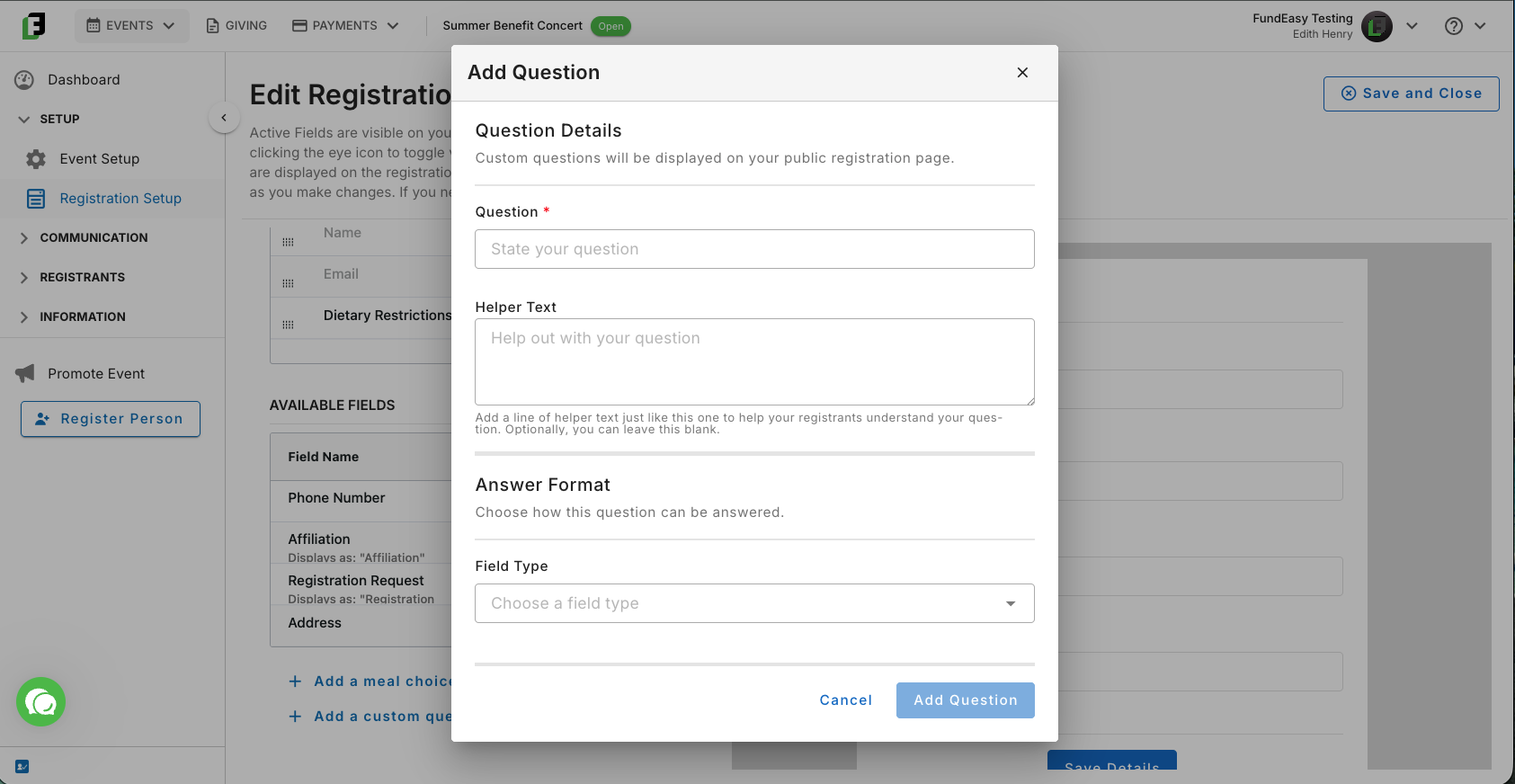
Custom questions allow you to collect additional information from attendees during registration. One common use case is collecting simple acknowledgements, such as confirming that an attendee agrees to event terms, has reviewed important instructions, or has provided required permissions.
Note: For legal reasons, FundEasy does not include a default waiver or liability form on registration forms and we do not have sample waivers available. We recommend that you talk with your legal expert about this.
Creating a Simple Acknowledgement
From your Registration Dashboard, go to Edit Registration Form and use the Add a Custom Question feature to create the content you’d like to collect during registration.
You can use custom questions for a variety of registration needs, including event policies, photo release permissions, safety confirmations, or other event-specific requirements. Use the Question itself to tell attendees what action they need to take.
Once you have written your question, use the Helper Text field to provide additional details or include the full wording of your acknowledgement. This field supports longer text, making it a good place for instructions, terms, or other information attendees should review.
Finally, use the Answer field to collect the attendee’s response. Choose the answer field type that best matches the response you need. Some common examples include:
Checkbox - Used when attendees need to confirm that they agree to a statement.
Short answer - Used when attendees need to provide initials or another brief response.
Note: If attendees need to review and sign a separate document, consider sending the document using the Send Email tool or providing printed copies at check-in.
Reviewing Custom Question Responses
Responses collected through custom questions are tracked and can be reviewed after registration is complete.
You can view these responses in:
Manage Registrants Dashboard — Review responses alongside individual registrant information.
Reports & Exports — Include custom question responses when generating reports.
Was this helpful?
Still need help? Ask the team