Creating a Peer-to-Peer Event
Written By Edith Henry
Last updated 4 months ago
Peer-to-Peer fundraising in FundEasy makes it easy to combine event registration and supporter fundraising into one connected experience.
Whether you're running a walk-a-thon, baby bottle fundraiser, gala fundraiser, run/walk event, or community campaign, FundEasy helps participants register, create fundraising pages, and start sharing with supporters — all within the same platform.
The easiest way to launch a Peer-to-Peer fundraiser is from the Events area.
When creating a new event, simply choose the Event with Peer-to-Peer Fundraising template.
This setup combines:
Event registration
Participant fundraising pages
Fundraising goal tracking
Donation collection
Participant and donor management
into one connected workflow.
How to Create an Event with Peer to Peer Fundraising
Go to Events and click on “Add New Event”
Select the template “Event with Peer-to-Peer Fundraising”
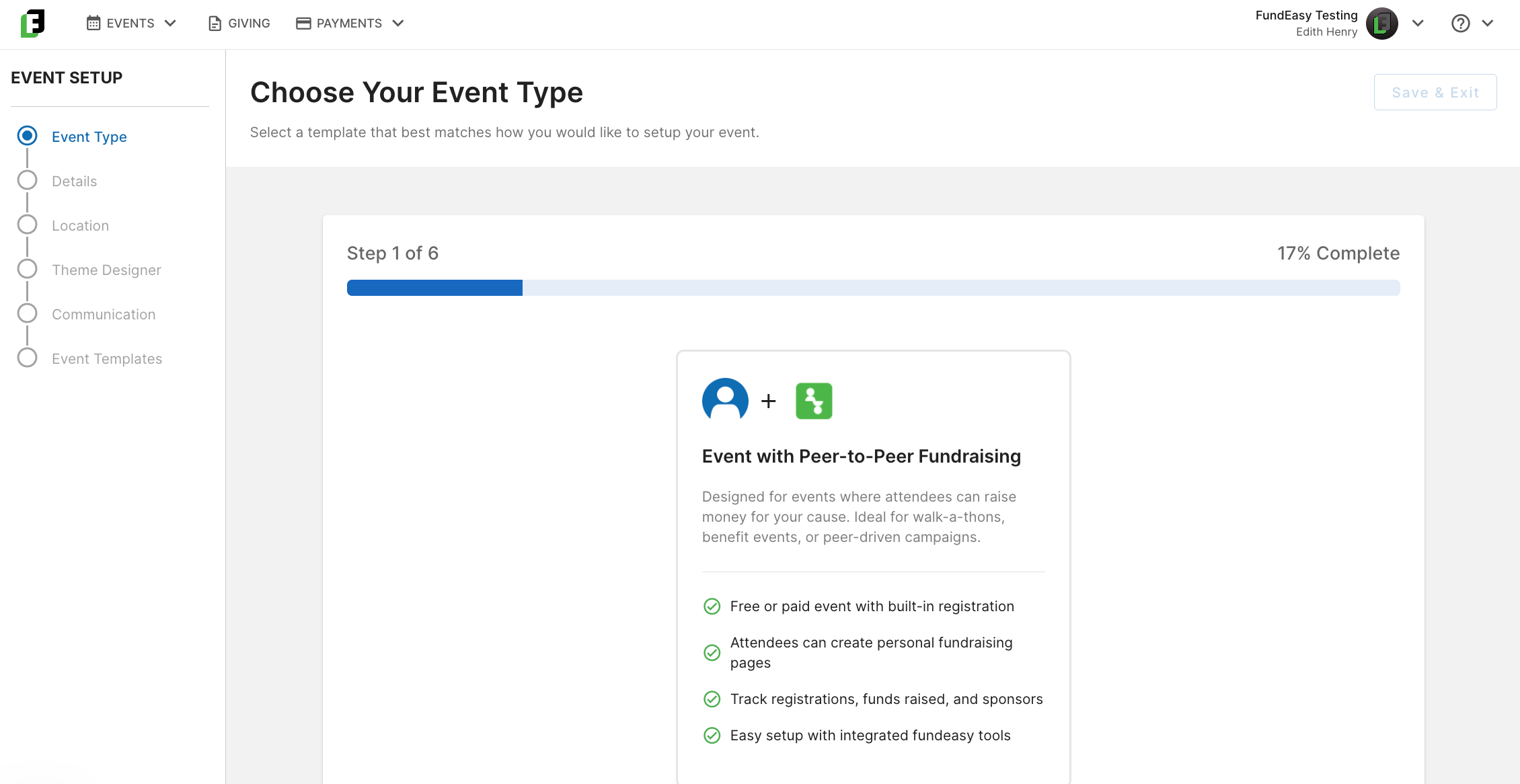
Finish filling out the Event Setup steps:
Fill out the required fields in Details
Payments: the first time through, you’ll need to connect your payment processor
Location: add your Venue
Theme Designer: accept the defaults or customize
Communication: add your Event Coordinator
Event Templates: review and accept the default templates
After completing the Event Setup, you’ll land on the Event Dashboard.
If you’d like to review and customize your Peer to Peer Fundraising settings, click on Setup > Fundraising Setup.
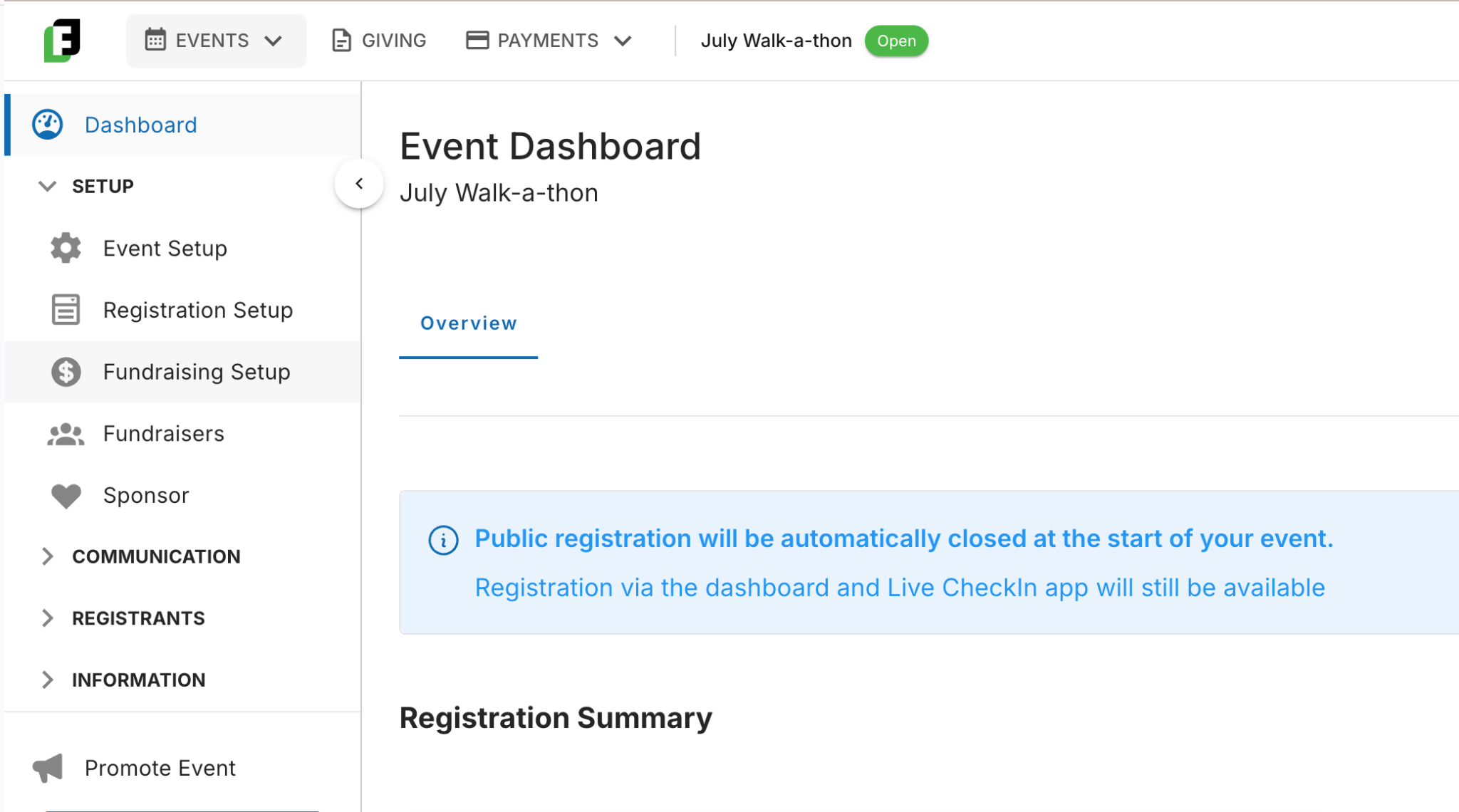
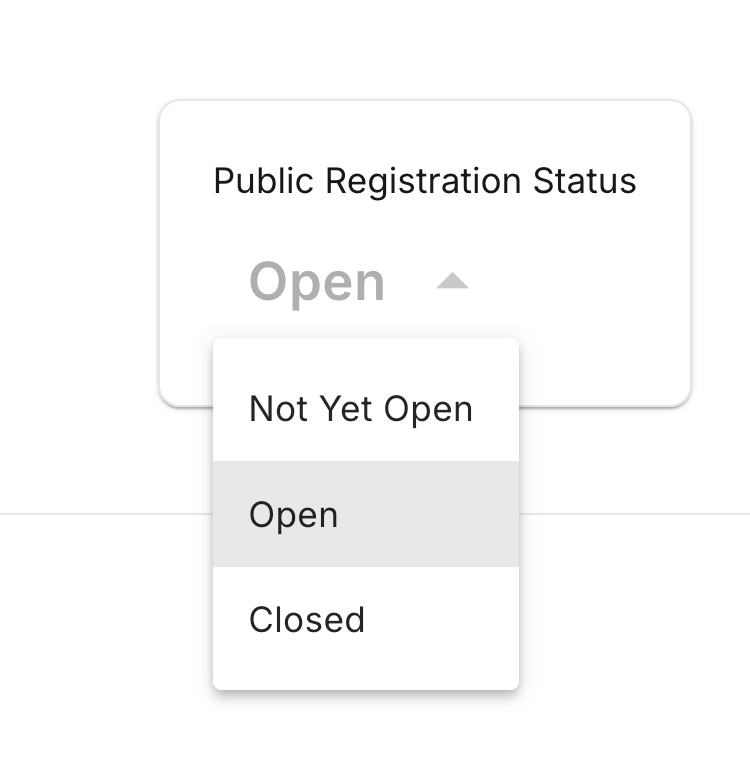
Once you’re ready to start collecting registrations, set the Public Registration Status to “Open.”
Promote your event by sharing it to your organization’s socials and inviting your contacts to register. You’ll find your event web page link at the bottom of the Event Dashboard.
Modifying your default Peer-to-Peer Fundraising Settings
In order to help your organization get started quickly, your event is created with certain default settings. You can edit these settings anytime by going to the Event> Event Setup > Fundraising Setup.
For more details on how to effectively customize your fundraising settings, see https://helpcenter.fundeasy.com/en/articles/4990475.
Creating a Peer-to-Peer Campaign from the FundEasy Giving Dashboard
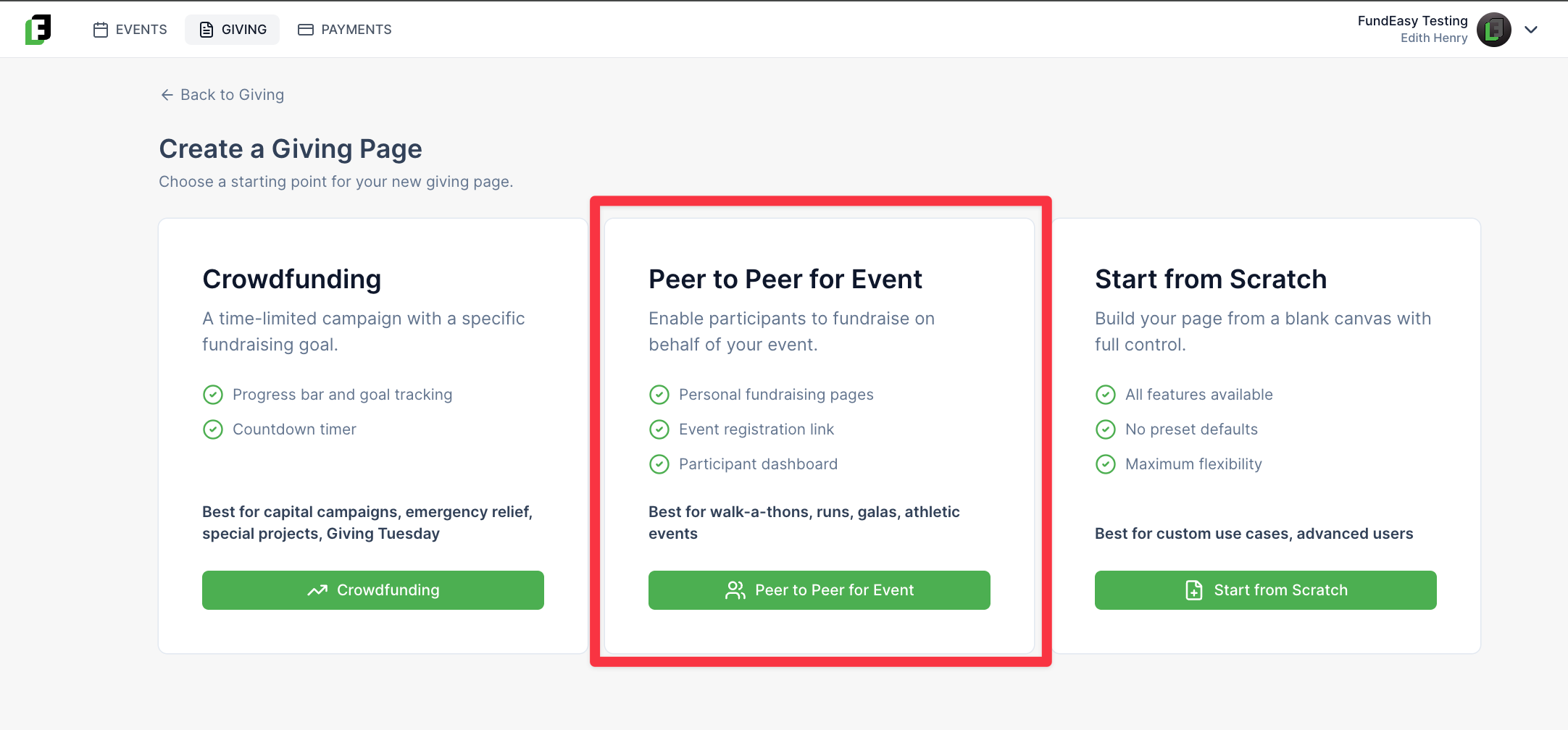
You can also launch a Peer-to-Peer event campaign directly from the Giving portal. Just select a template that includes event functionality, and we’ll automatically connect the pieces for you behind the scenes.
No matter where you start, you’ll have access to the same powerful tools and features—it simply comes down to the workflow that fits your team best.