Understanding Your Giving Page Details & Metrics
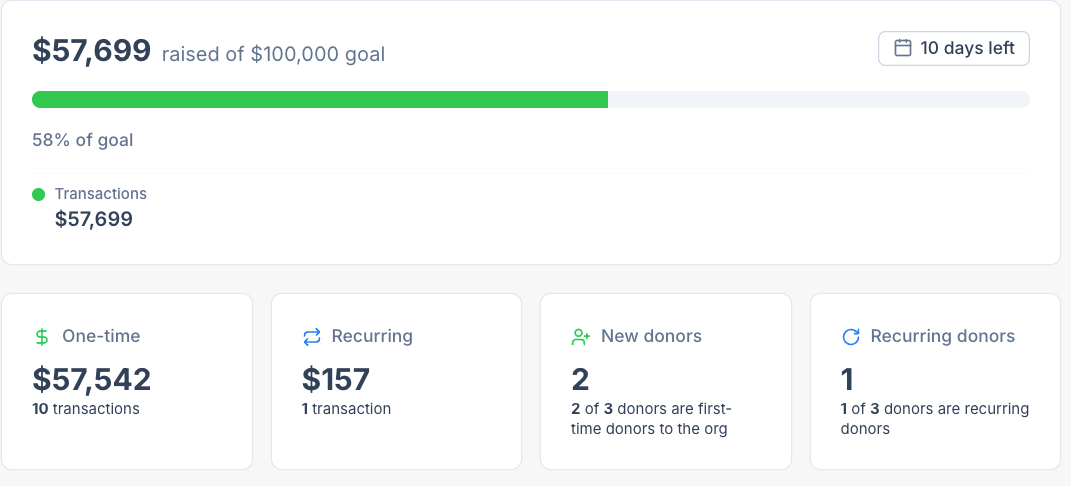
Every Giving page — no matter which template it started from or how long ago you created it — shows a set of summary metrics at the top of its Details view. This article walks through what each one means.
Getting there
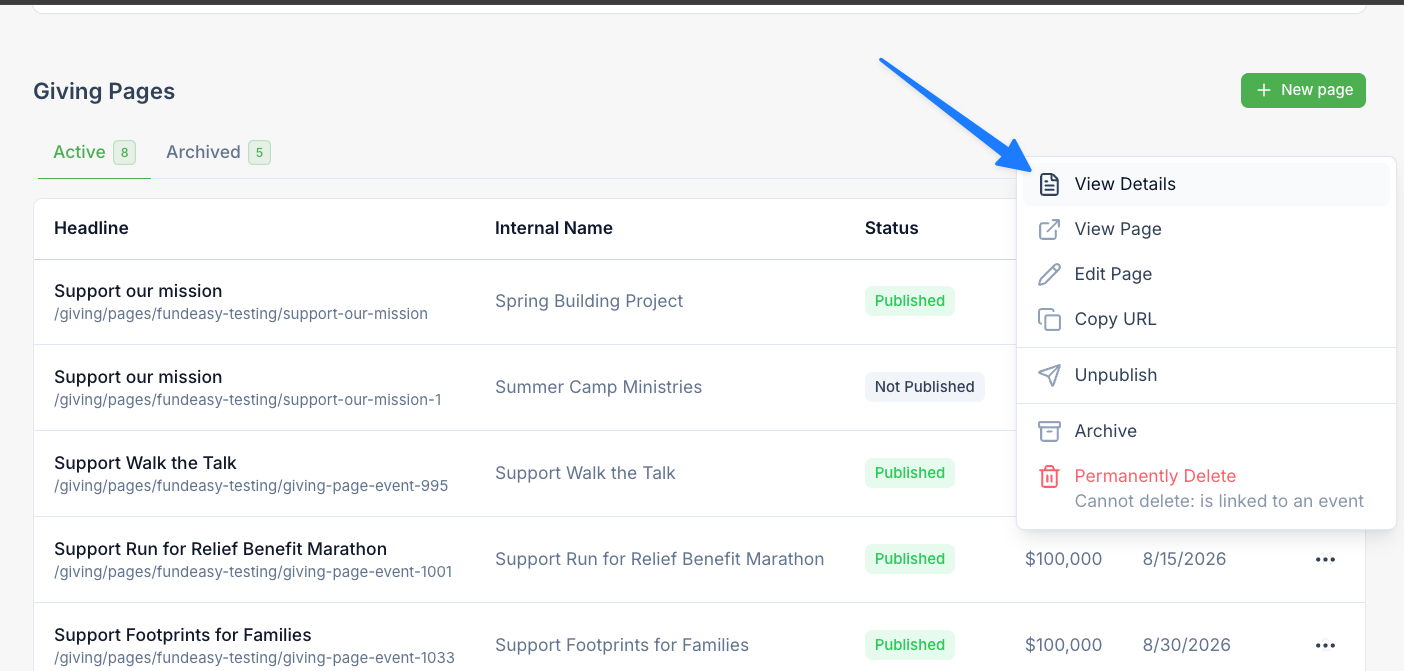
From your FundEasy dashboard, find the giving page you want to check and click View Details. The metrics sit at the very top of the page, above the Transaction Summary.
The progress meter
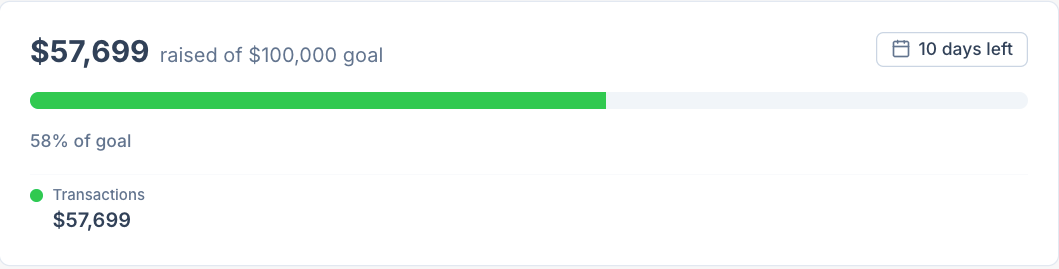
If the page has a fundraising goal set, you'll see a progress meter showing how close it is to that goal. This is the same progress meter your donors see when they visit the page, so what you see here always matches the public-facing version.
Pages without a goal dollar amount won't show a progress meter — everything else on this page still applies to them.
The four widgets

Below the progress meter are four widgets, each with two numbers:
A couple of things worth calling out:
"Unique donor" is always based on email address, and it counts both one-time and recurring donors together.
The New Donors count looks at the donor's full history with your organization, not just this page — so a longtime donor giving to a brand-new campaign for the first time won't show up as "new."
Offline transactions you log through Adding Offline Transactions for a Giving Page count toward these same widgets.
Why this is useful
These widgets are meant to give you an at-a-glance read on how a campaign is doing without needing to dig into the full Payments Dashboard — for example, a high New Donors count might mean a campaign is bringing in supporters you haven't reached before, while a low Recurring Donors count might be a sign to add a stronger monthly-giving prompt to the page.
For deeper reporting across all your pages together, see https://helpcenter.fundeasy.com/en/help/articles/7087677-reporting-revenue-from-fundeasy-giving
Was this helpful?
Still need help? Ask the team