The Host Manager Tool for Vision Dinner Events (Host Resource)
How to Add or Invite Guests through the Host Manager Tool
There are two ways to add people to your guest list, and it's worth knowing both, since they're built for different situations.
Registering Guests Directly using “Add Guest”
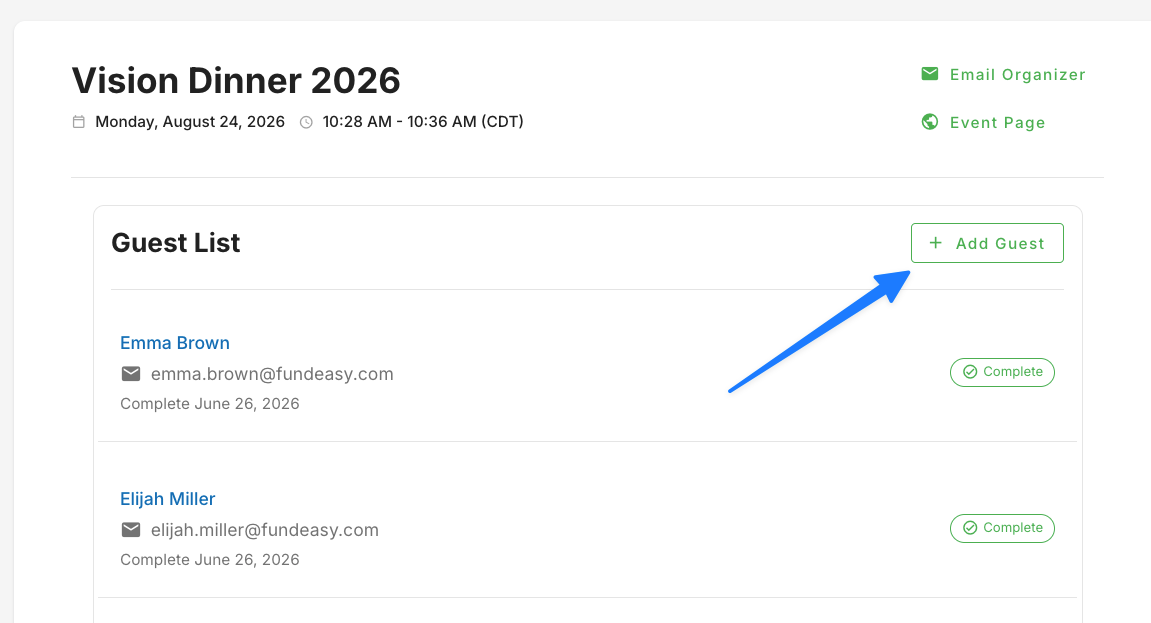
Use this option when you already know who's coming — for example, you're registering a group of friends or family members.
Click Add Guest, and you'll be taken to the event's main registration page. From here:
Fill in the attendee's details
Click Copy from Primary if the guest shares information with the primary attendee — this saves you from retyping the same details over and over
Repeat for as many guests as you're adding
Submit the registration
Once submitted, your guests will receive the confirmation email, and the whole group will show up in your guest list back in the Host Manager.
Inviting Guests to Register Themselves using “Invite Guest”
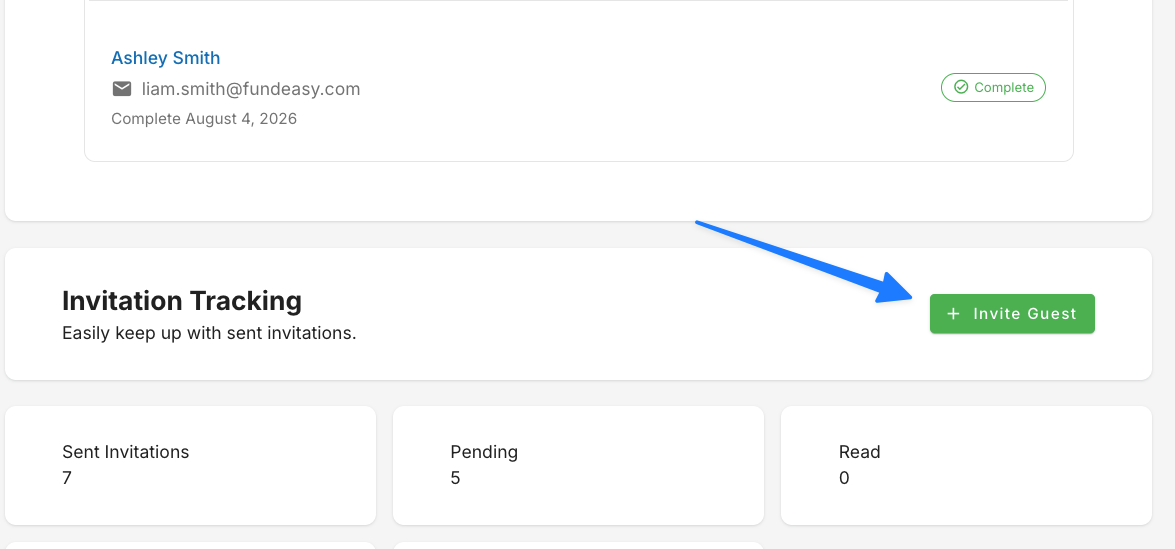
Use this option when you'd rather have guests fill in their own details — handy for a longer list of invitees, or when the registration form is complex and you want people to manage their own answers.
Click Invite Guest, then:
Type an email address and hit Enter to add it — repeat for as many recipients as you need
Add a personal note if you'd like (something like, "I'll be so excited to see you there!")
Send the invitations
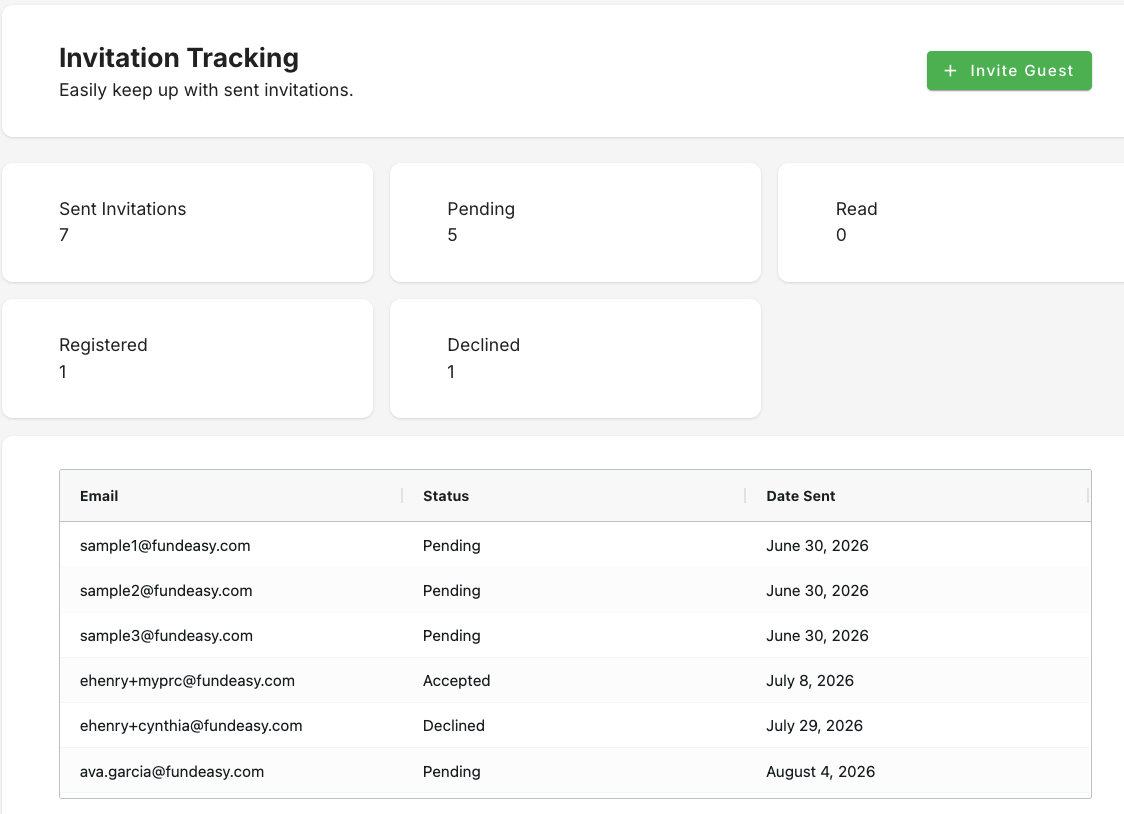
Your guests will get an email prompting them to register themselves. Give it a minute, then refresh your screen — you'll see them show up under Invitation Tracking.
Keeping Track of Your Guest List
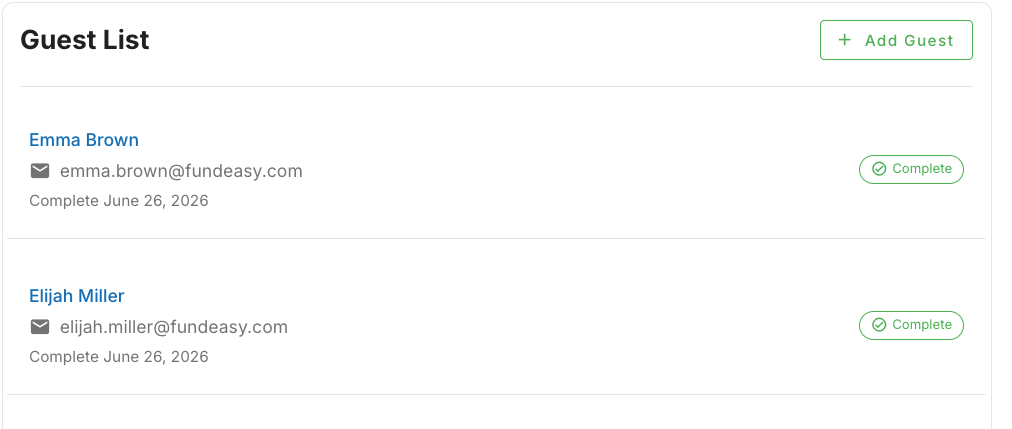
However someone gets added — direct registration or email invite — they'll all land in one place. Scroll down in the Host Manager to see your full guest list at a glance.
For anyone you've invited by email, Invitation Tracking shows you exactly where things stand: how many invitations you've sent, and how many have turned into registrations or declines. It's the quickest way to see who still needs a nudge.
Need to Make a Change or Have a Question?
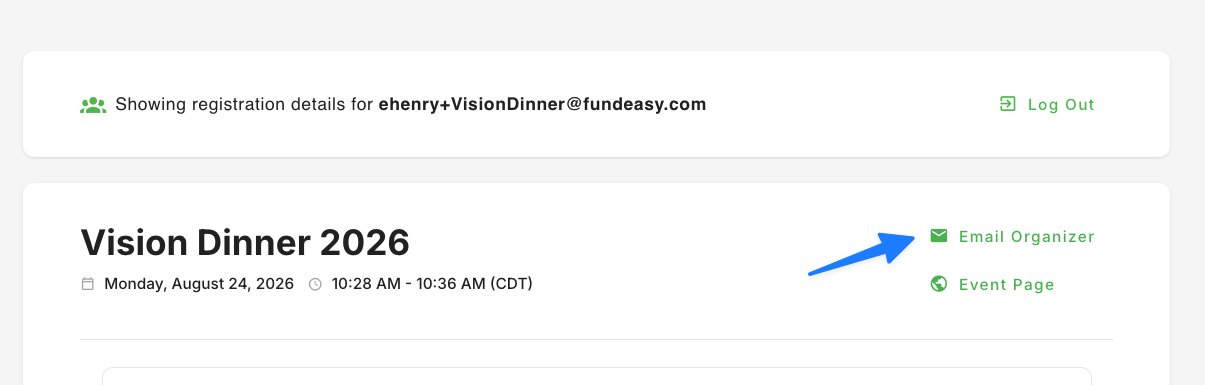
If you need to update a guest's reservation or something doesn't look right, you don't need to fix it yourself — head to the top of the Host Manager and email your event organizer directly. Explain the change you need or ask your question, and they'll take it from there.
Was this helpful?
Still need help? Ask the team