Managing Pledges in a Peer-to-Peer Event
Pledges can be a valuable fundraising tool for Peer-to-Peer events, allowing supporters to commit donations that participants collect before, during, or after an event. The platform enables both administrators and participants to track these commitments, helping ensure that pledged donations are accurately recorded and credited.
How Pledges Work in Peer-to-Peer Fundraising
When a donor makes a pledge, that commitment can be associated with:
A specific Peer-to-Peer event
A specific participant within that event
This allows pledge totals to contribute toward a participant's fundraising progress while also providing administrators with visibility into outstanding donations.
Creating Pledges for a Participant
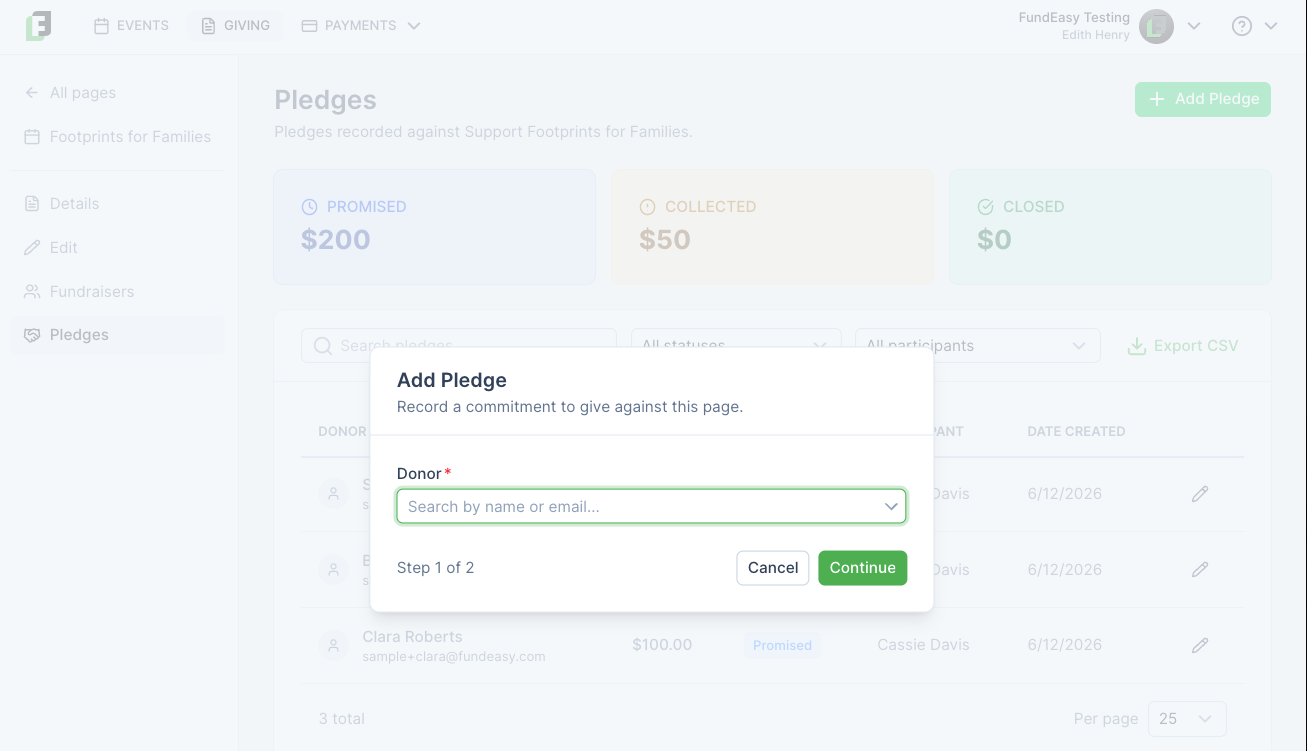
Administrators can create pledges from the Pledges Dashboard by selecting a Peer-to-Peer event page as the benefiting fundraising page.
When a Peer-to-Peer event page is selected, an additional field appears that allows the administrator to choose the participant who should receive credit for the pledge.
Once saved, the pledge is reflected in both the participant's fundraising totals and the organization's pledge reporting.
Allowing Participants to Manage Their Own Pledges
Participants can also record and manage pledges through their personal fundraising dashboard. This helps distribute pledge management responsibilities and allows fundraisers to track donor commitments directly.
Participants can:
Record new pledges
View outstanding pledge commitments
Mark pledges as collected
Cancel pledges that are no longer expected to be fulfilled
Administrators retain final oversight of pledge processing and can update collected pledges to a Closed status after funds have been received and processed.
Understanding Pledge Statuses
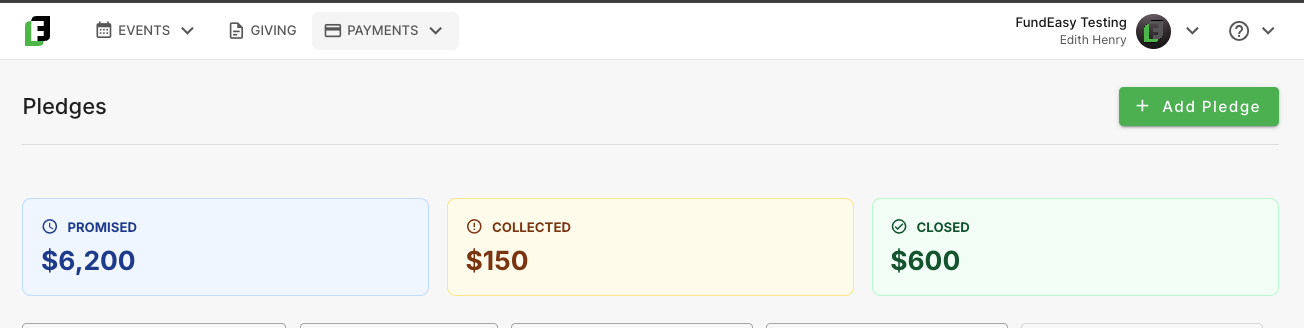
Throughout the fundraising process, pledges may move through several statuses:
Promised – The donor has committed to making a donation.
Collected – The participant has received the donation from the donor.
Closed – The organization has received and processed the donation.
Cancelled – The pledge is no longer expected to be fulfilled.
This workflow helps both participants and administrators track fundraising progress while maintaining accurate financial records.
Was this helpful?
Still need help? Ask the team