Fundraising Setup
Written By Edith Henry
Last updated 4 months ago
When you create an Event with Peer-to-Peer Fundraising, FundEasy automatically creates a connected fundraiser for your event. Because fundraising is built directly into the event, registrations, donations, and fundraising activity are automatically tracked in your reporting.
You can customize your event’s fundraising experience — including goals, messaging, participant fundraising settings, and more — by going to Event Setup → Fundraising Setup.
By default,
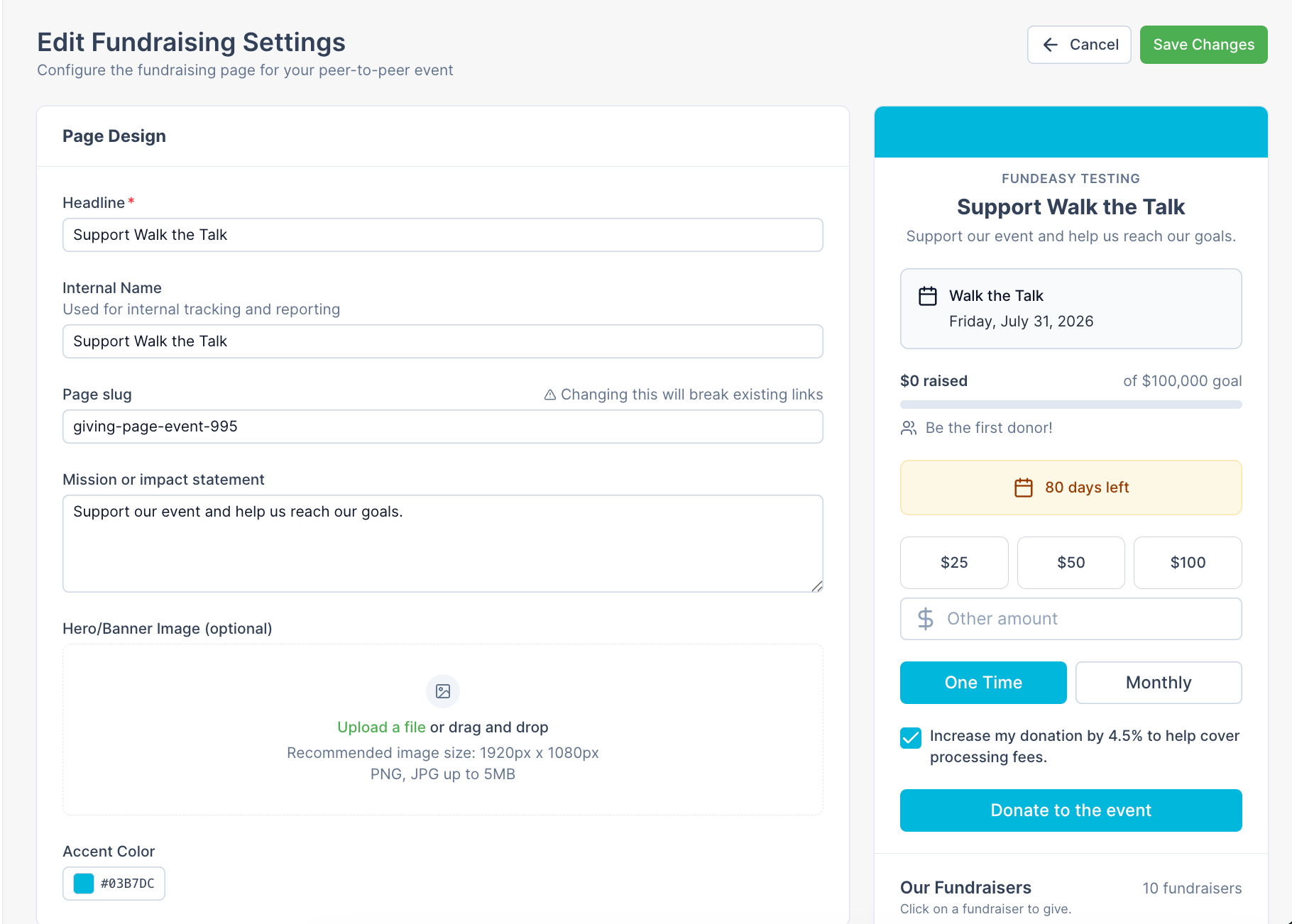
The Headline is based upon the Event Name
Default Suggested Donation Amounts are: $25, $50, $100
The Default Fundraising Goal is $100,000
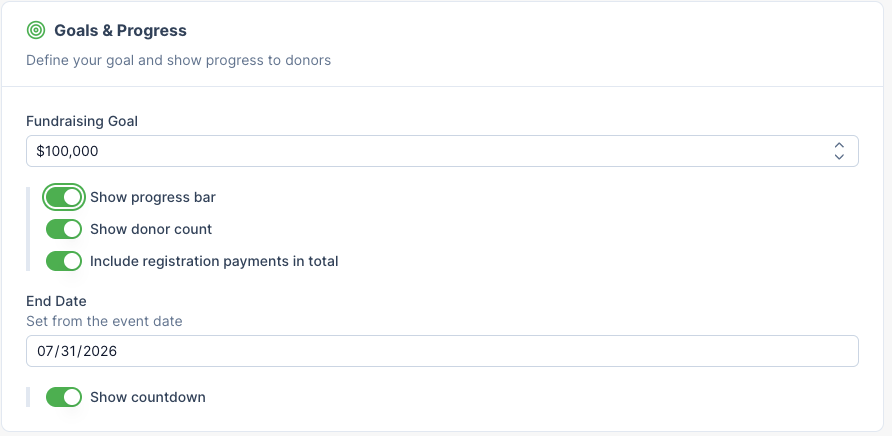
Progress bar, Donor count, and End Date are displayed by default.
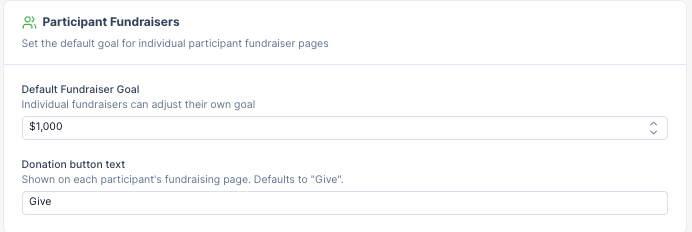
Default Participant Fundraiser Goal is $1,000
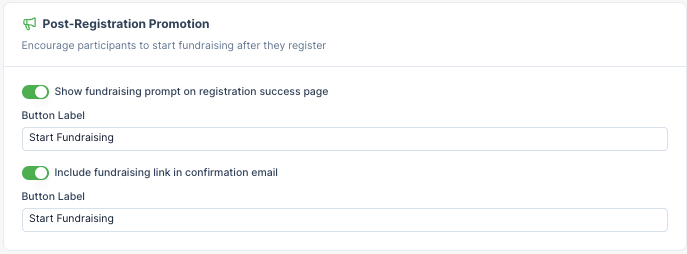
By default, there is a prompt for registrants to create their fundraising page on both
a. The registration success page
b. And in the registration confirmation email.
Page Design
Starting out, the Fundraising Settings will feel the same as for any other Giving Campaign. You’ll be able to customize things including your headline, internal name, page slug, mission or impact statement, hero/banner image, and accent color. For more details on the general settings, feel free to cross-reference https://helpcenter.fundeasy.com/articles/3368423-customizing-your-giving-pages.
Goals & Progress
In the Goals & Progress section, you can set a fundraising goal for your event. Donations made to the event and participant fundraising pages will count toward this total.
You can also customize how your progress bar appears publicly by choosing whether to display:
The number of donors
Revenue from registration payments for your event (if you are counting registration payments as part of the overall fundraising effort)
The event date (which also serves as the campaign end date)
The number of days remaining
Participant Fundraiser Settings
Set recommended fundraising goals for participants that align with your overall campaign target.
For example,
if your goal is $100,000 for this campaign,
and you expect to have 100 participants,
then $1,000 is an achievable goal for each participant in this event.
When each participant receives a realistic yet meaningful default fundraising goal, organizations can better project and manage the campaign’s overall impact. Participants can still customize their personal goals, but providing a strategic starting point gives them a clearer vision of success.
Post-Registration Promotion
It’s important to equip your supporters with the tools they need to fundraise successfully on your behalf. We recommend enabling the fundraising setup button on both the registration confirmation page and the confirmation email, giving participants clear opportunities to create their fundraiser page immediately after registering.
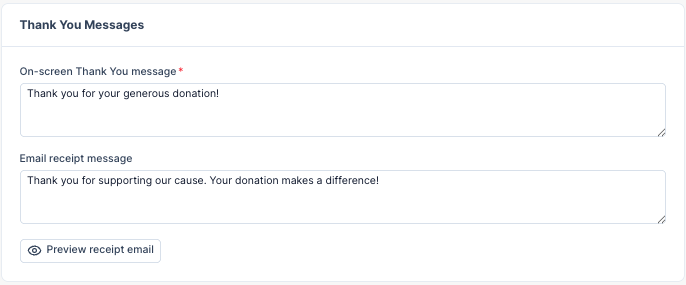
Thank You Messages
Every donor wants to feel appreciated and valued, so use the thank-you section to create a meaningful connection between their gift and the impact it makes. A thoughtful thank-you message can reinforce your mission, strengthen donor relationships, and encourage continued engagement throughout the rest of this campaign and into the future.