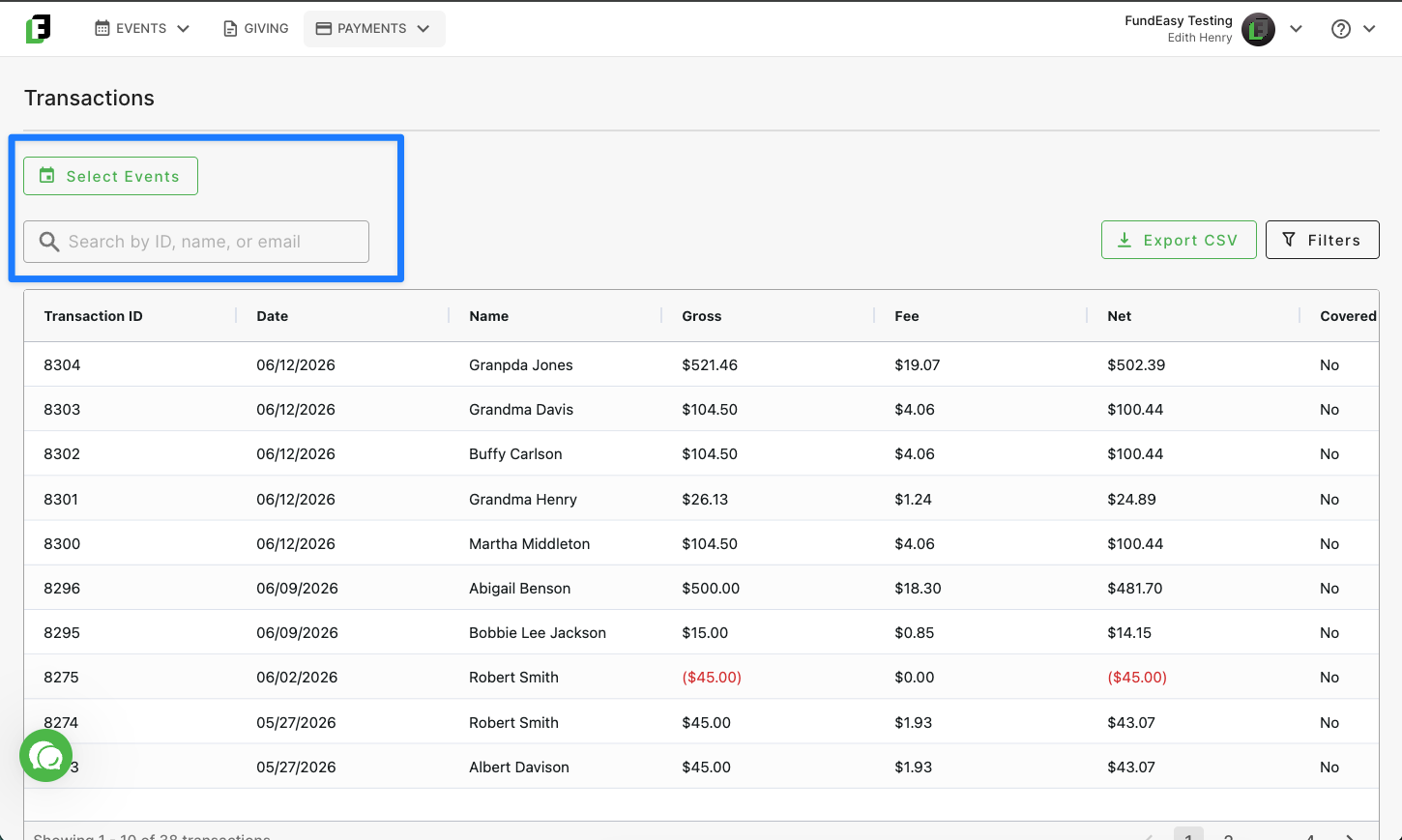
The Transactions Dashboard
Written By Edith Henry
Last updated 3 months ago
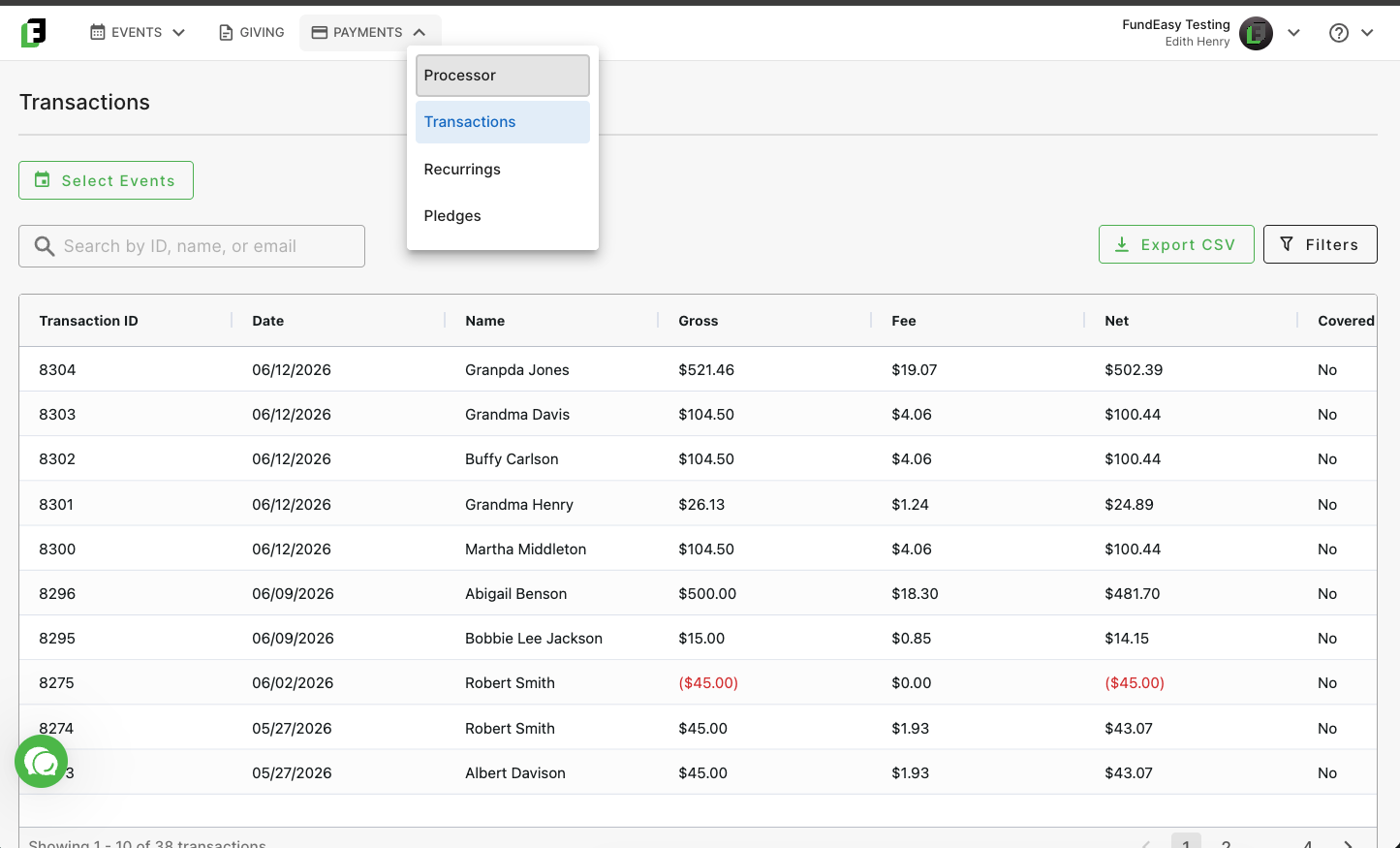
Under your Payments portal, you will be able to find your account’s Transactions Dashboard, an account-level source of truth for every ticket sale or donation processed through the FundEasy platform.
Unlike event-level dashboards, the account level tool encompasses all transactions across all events and giving pages simultaneously.
Transactions will show in black with a status of “Paid,” and refunds will show in red with a status of “Refund.”
Filtering for Specific Transactions
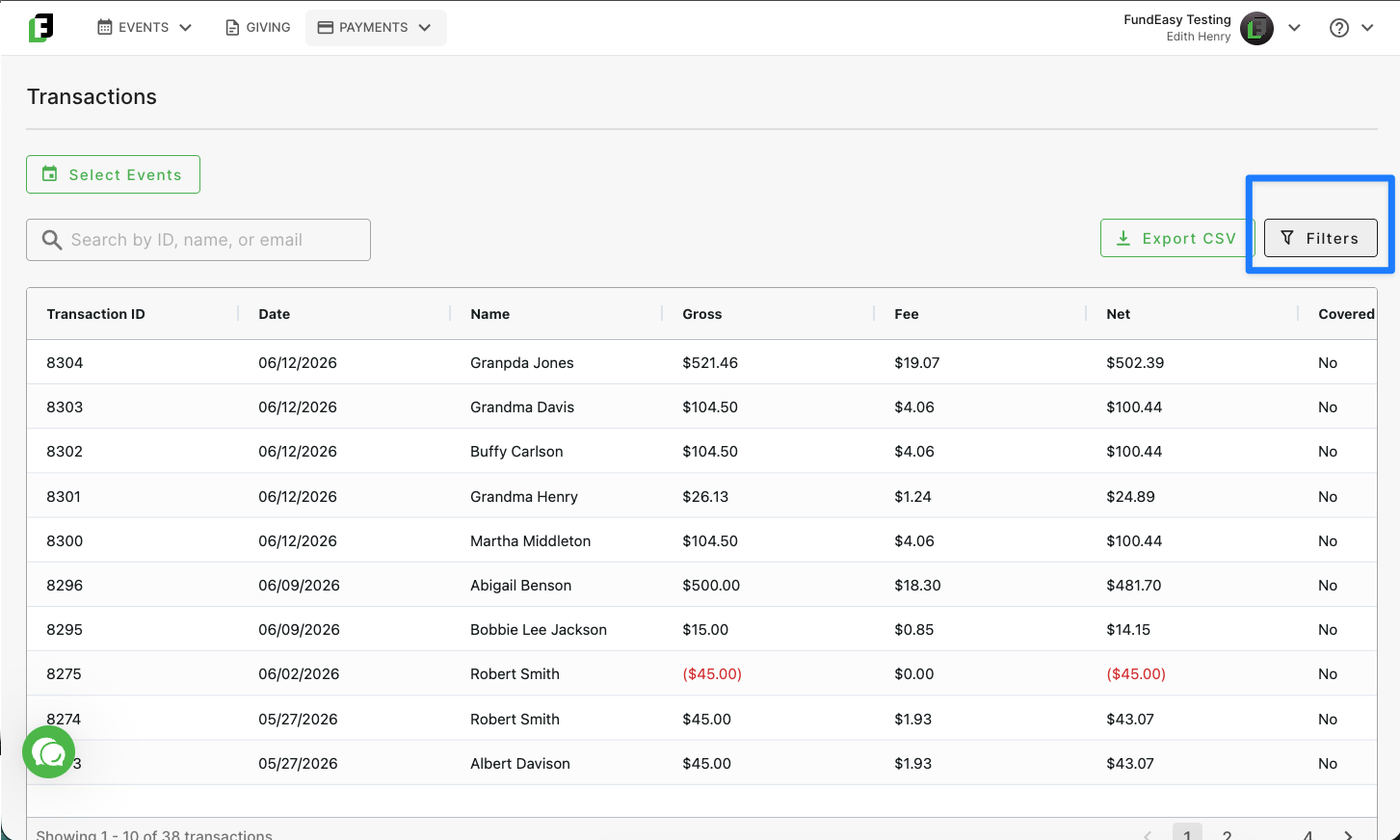
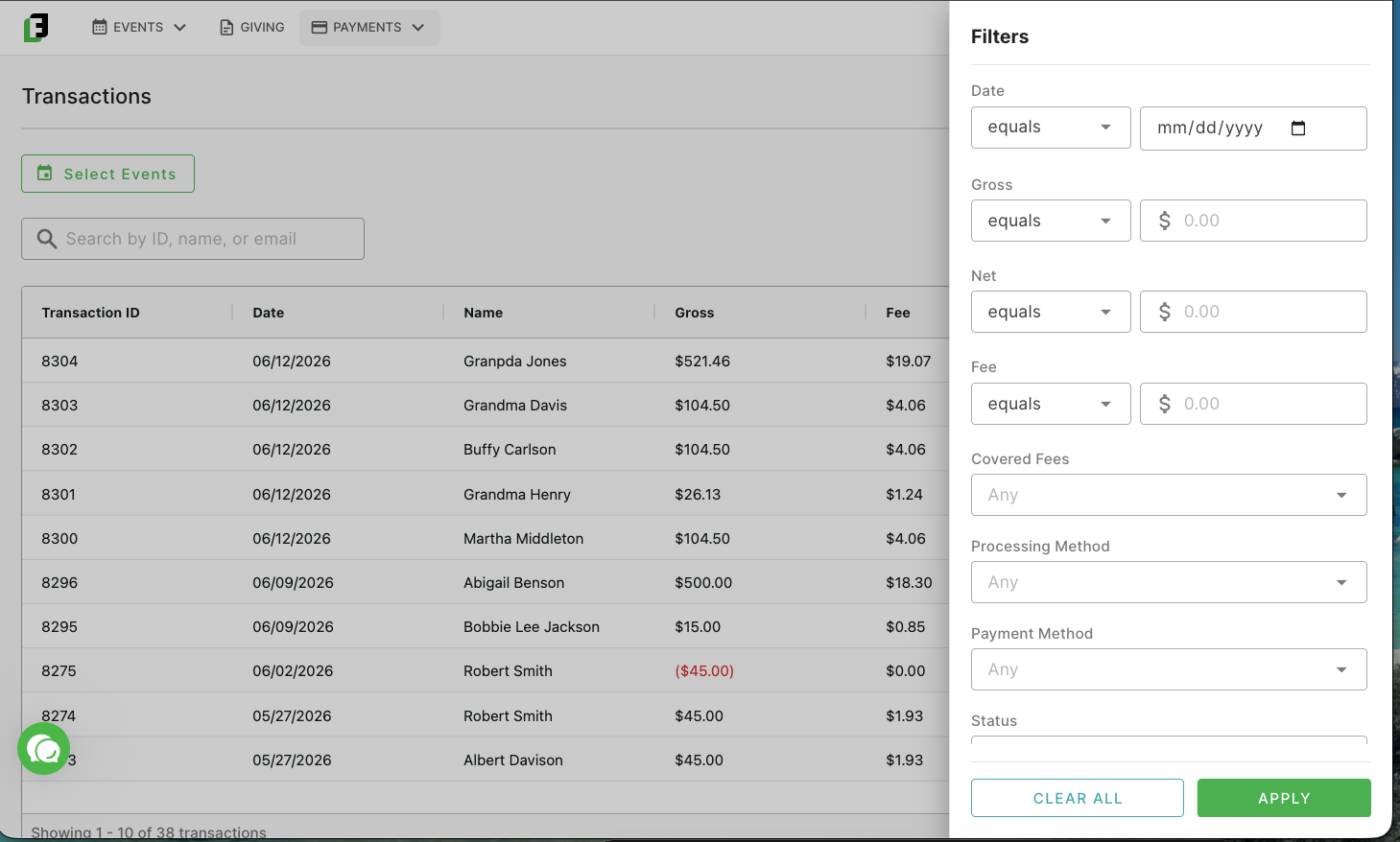
Use the filtering options to quickly find any specific transaction data you are looking for. Filter by options such as date, gross amount, net amount, fee amount, processing method, payment method, and status.
Alternatively, you can search for transaction data by a specific event or by a specific Transaction ID, Name, or Email Address.