Table Chart: Getting Started
Written By Edith Henry
Last updated 3 months ago
Setting Up the Initial Table Chart
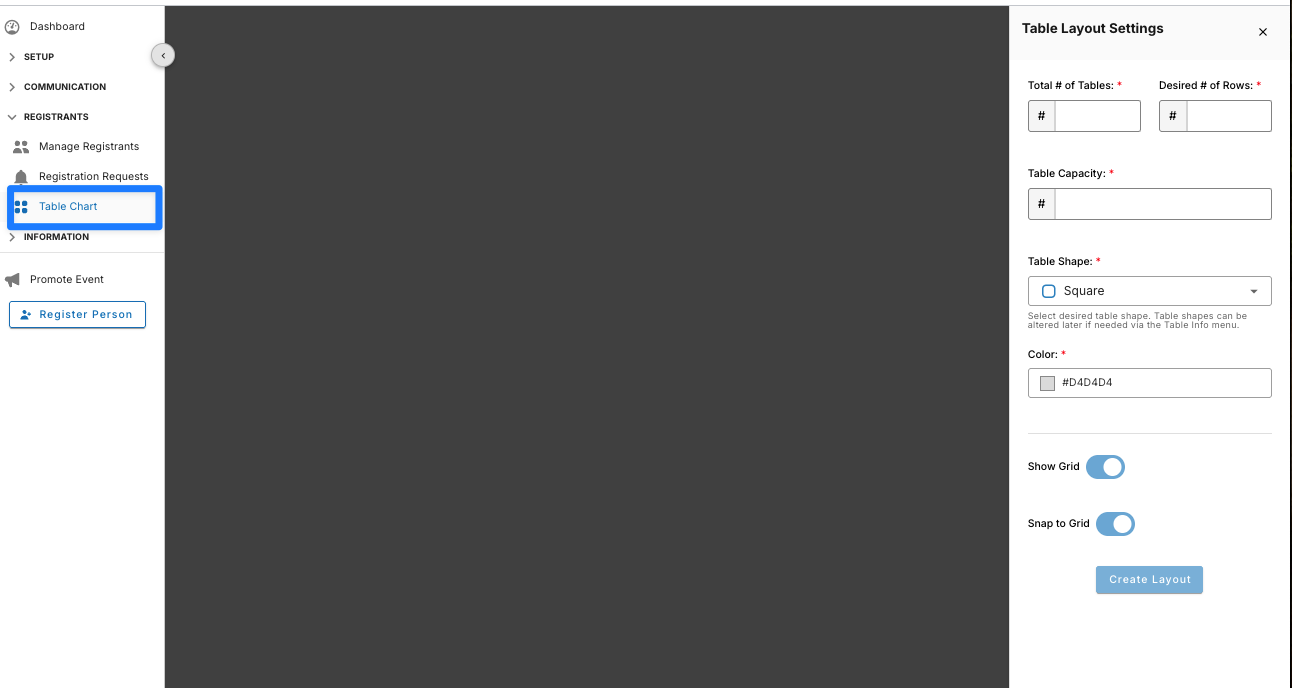
Your first time clicking into the Table Chart, you’ll have to let the system know what you roughly expect your room layout to be. You’ll be asked to fill in basic settings such as your total anticipated number of tables, your desired number of rows, the seating capacity for each table, the shape of each table, and the color. Finally, you’ll be asked to confirm whether you want to leave the table grid on or off.
Note: Table settings for individual tables can be changed later (shape, capacity, color). So in this first pass, simply give your best guess of what the majority of tables will be. This will save you time down the road so you don’t have to create your tables one by one.