Manually Assigning a Guest to a Host
Written By Edith Henry
Last updated 2 months ago
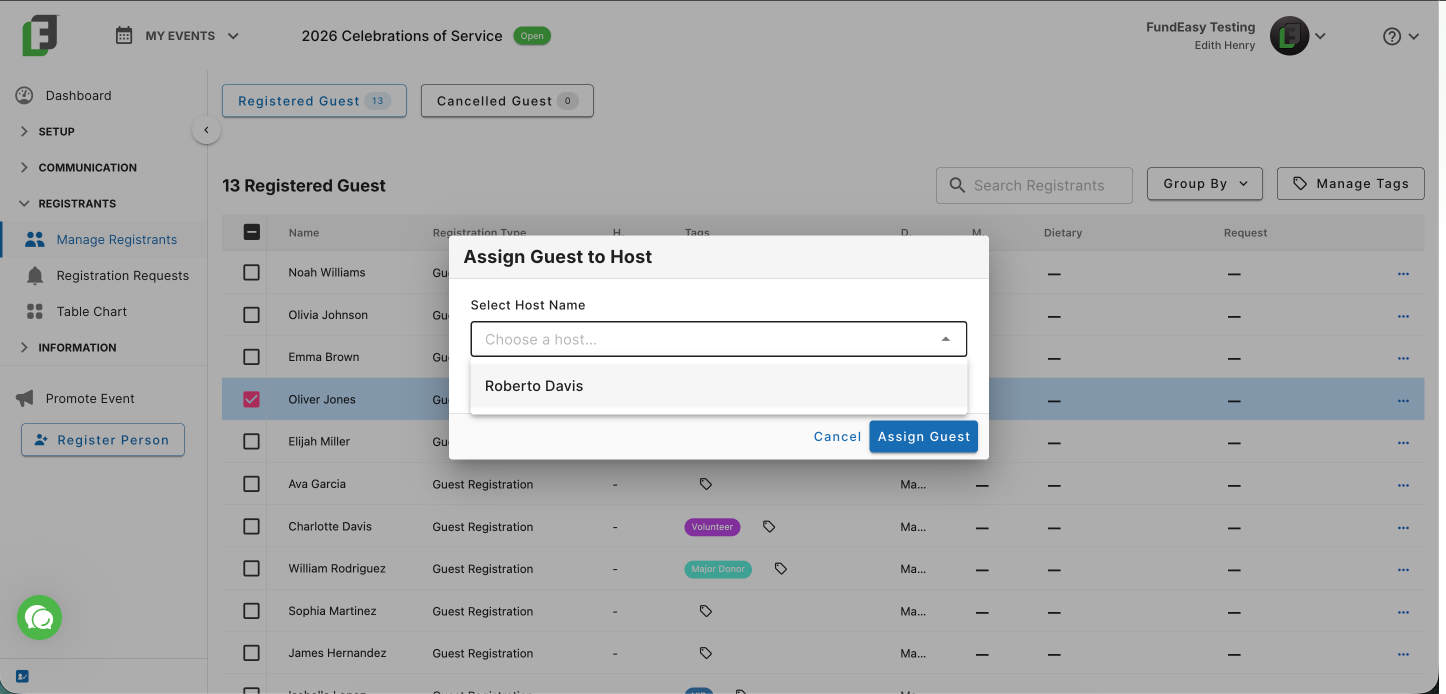
If you need to add a registrant to a host’s group, we offer a way to do that! From your Manage Registrants Guest List, simply click on the dash in the host column and select the host you want this guest to be associated with. Easy peasy!
Note: For architectural reasons, we do not currently support the option to transfer from one host’s group to another. However, if someone registered to the wrong host, you could always cancel the registration and then reregister the person, adding them to the correct host at that time.