Creating Sponsor Tiers (Pay-to-Attend Event Only)
Written By Edith Henry
Last updated 4 months ago
Creating Sponsor Tiers
If you're wanting to add sponsor tiers to your event, you can do that provided that you're creating a paid-to-attend event. (Sponsor tiers are not available in free-to-attend events where you're not expecting to run payments through the platform.)
In a paid-to-attend event, all you have to do is go into the Sponsor Form Builder, where you’ll find the option “Add Sponsor Tiers.”
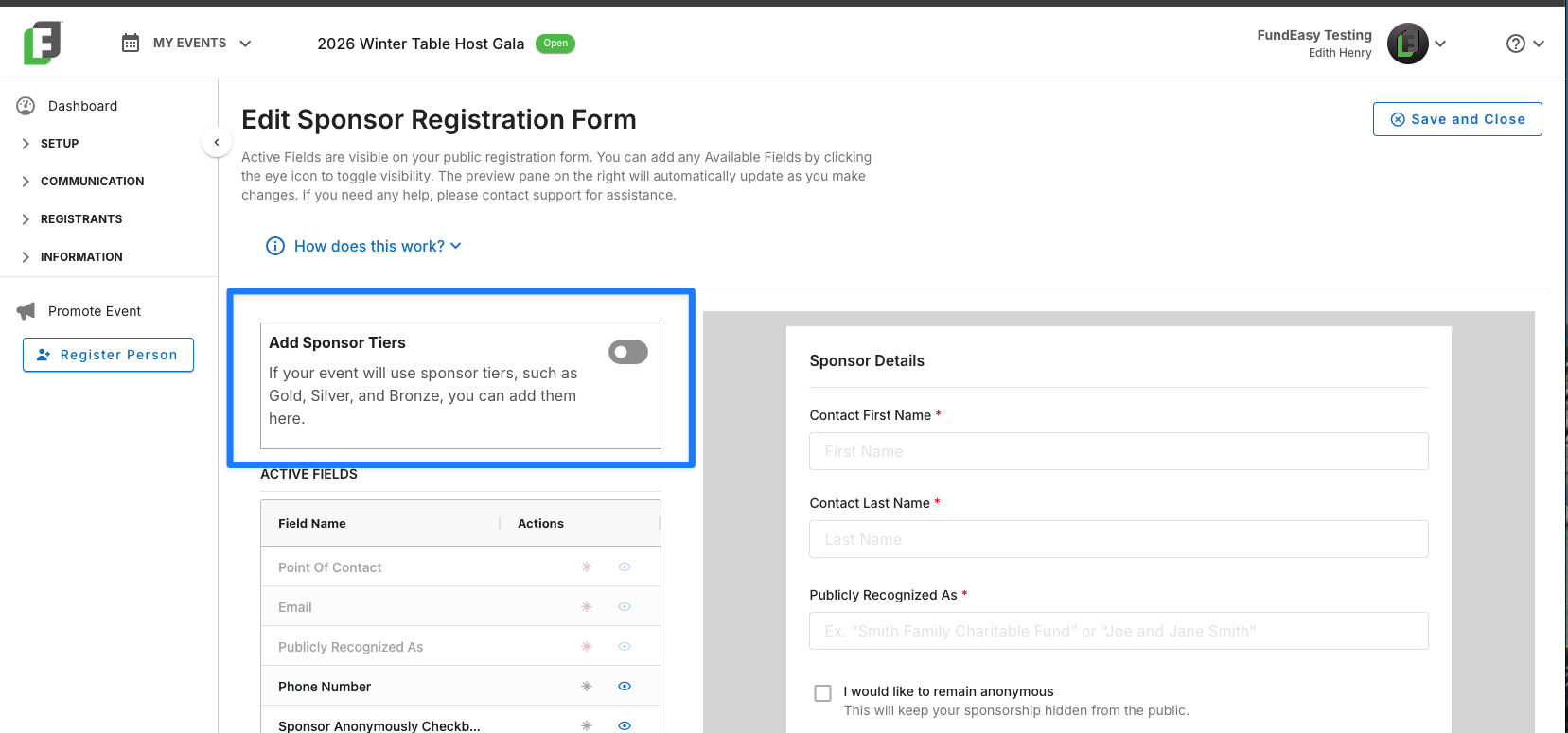
When you toggle on the option for Sponsor Tiers, you’ll be able to get in and set up the tiers you want (such as, Gold, Silver, etc.). Those will update your form builder, your public sponsor registration flow, and your admin sponsor registration options.
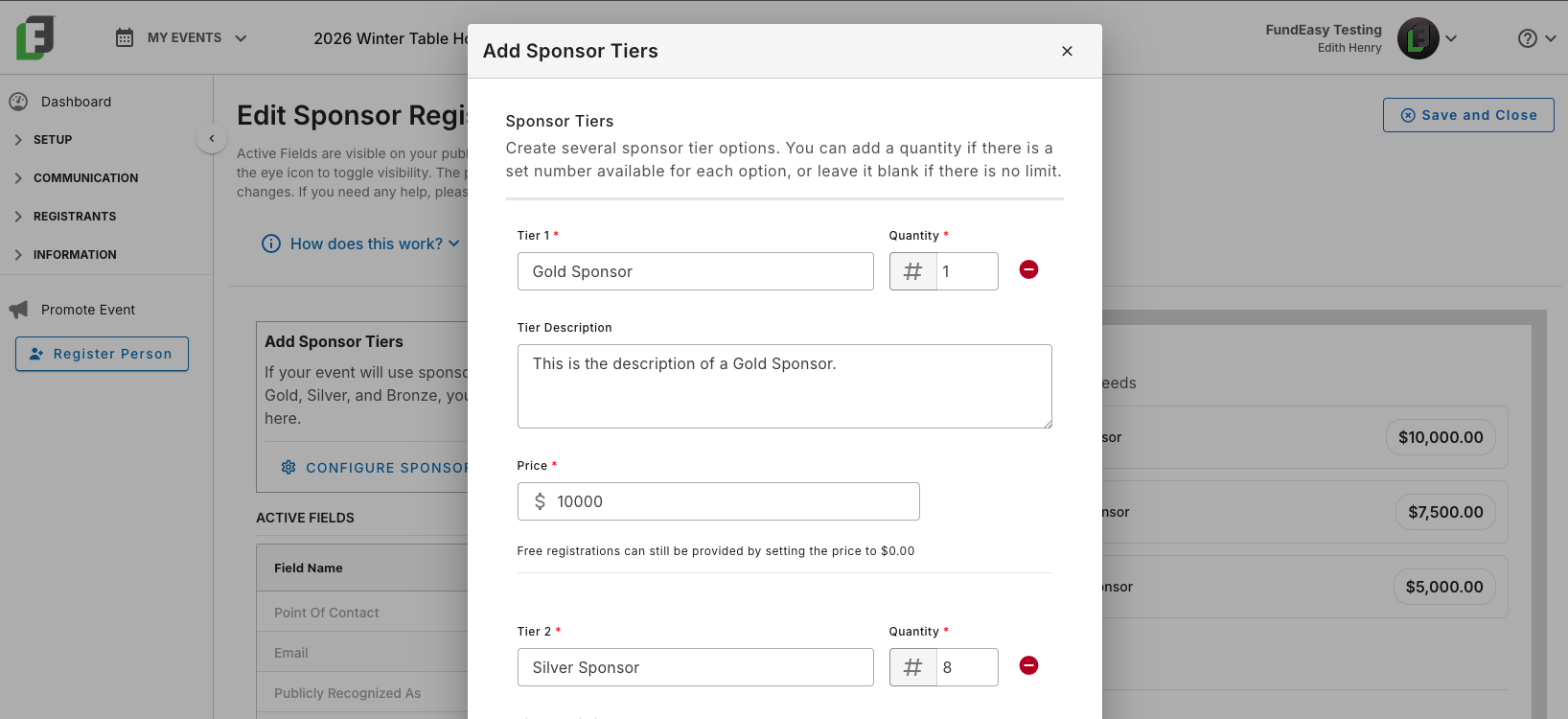
Creating Quantity Restrictions for Sponsor Tiers
If you would like to limit the number of sponsor that can sign up for a specific tier, you can add a quantity limit as you are configuring your tiers.
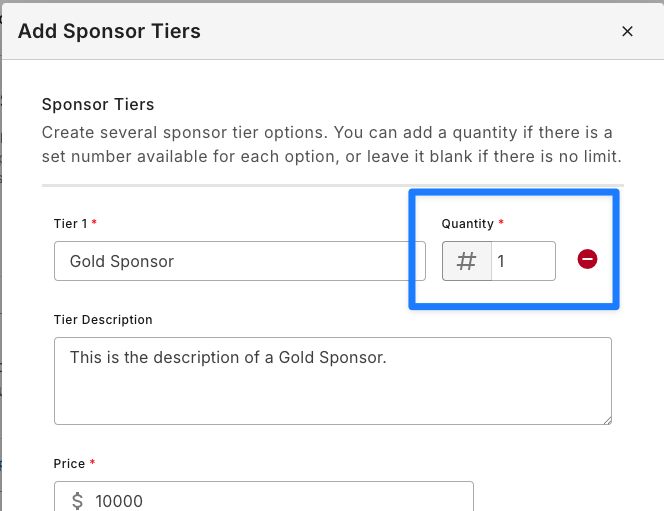
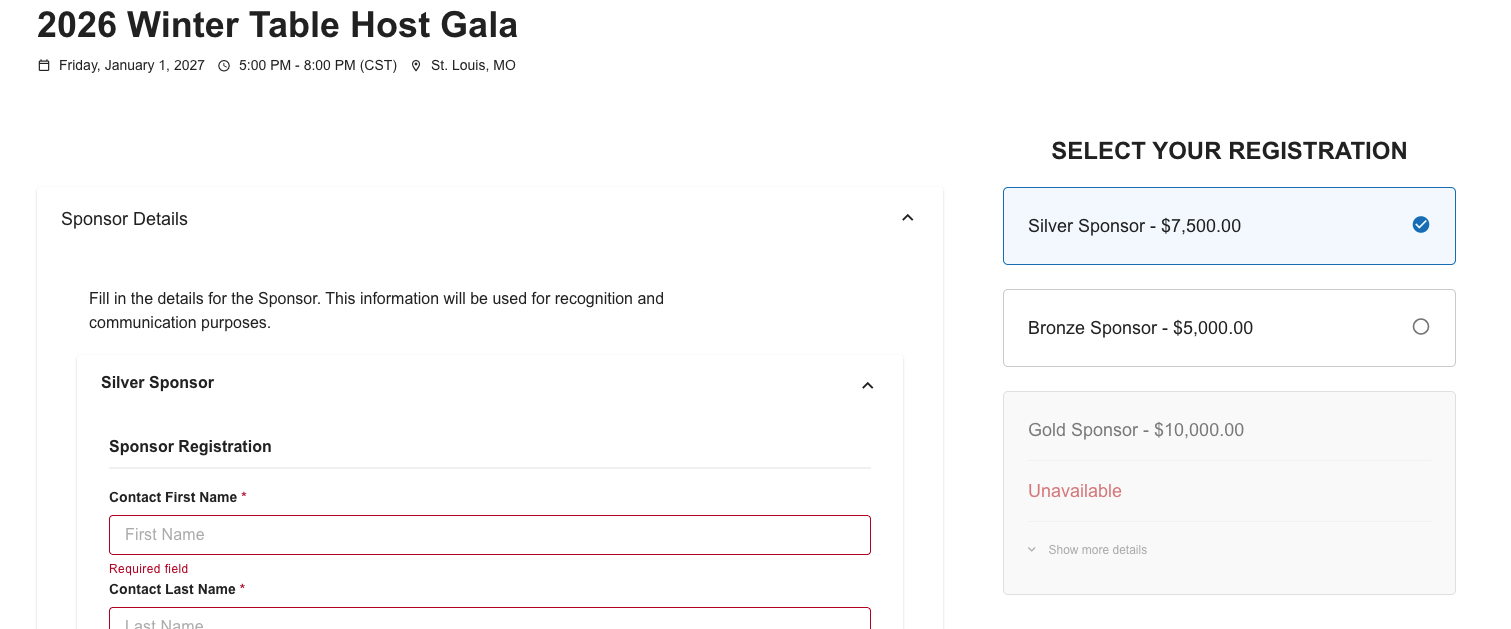
This quantity limit will cause a tier to display as “Unavailable” once the maximum capacity has been reached.
Adding Payment Fields to Sponsor Tiers
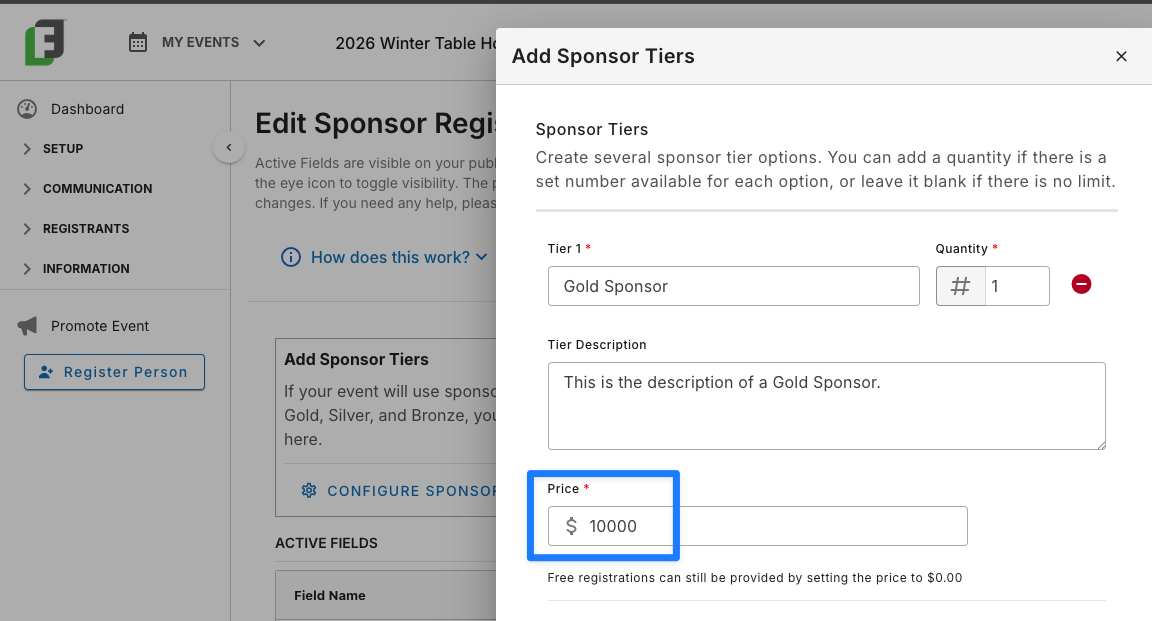
You can also set a price for each sponsor tier. Simply open the “Configure Sponsor Tiers” modal on the Sponsors Form Builder, and enter the price associated with each tier.